
Description
[ad_1]
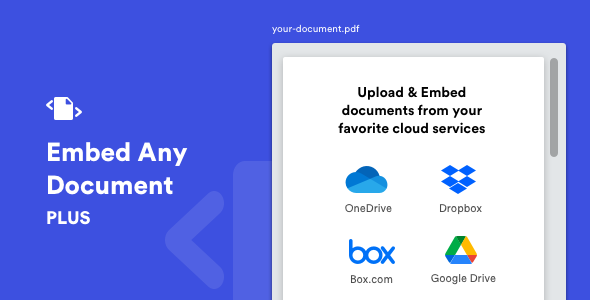
‘Sematkan Setiap Dokumen Plus’ Plugin WordPress memungkinkan Anda menampilkan (menyematkan) dokumen Anda dengan mudah di situs web WordPress Anda tanpa plugin browser tambahan.
Hanya dengan satu klik, Anda dapat dengan mudah menyematkan file Google Docs dan dokumen yang dihosting di DropBox & Box.com ke situs web WordPress Anda.


Mirip dengan layanan seperti Scribd dan SlideShare, ‘Embed Any Document Plus’ akan memungkinkan Anda untuk menyematkan file yang didukung langsung ke halaman atau posting Anda, tidak mengharuskan pengguna menginstal perangkat lunak lain untuk melihat konten.

Layanan Cloud Terintegrasi
- Microsoft OneDrive
- google Drive
- Dropbox
- Box.com
Format File yang Didukung
- Microsoft Word (docx, docm, dotm, dotx)
- Microsoft Excel (xlsx, xlsb, xls, xlsm)
- Microsoft PowerPoint (pptx, ppsx, ppt, pps, pptm, potm, ppam, potx, ppsm)
- Format Dokumen Portabel Adobe (pdf)

Ulasan

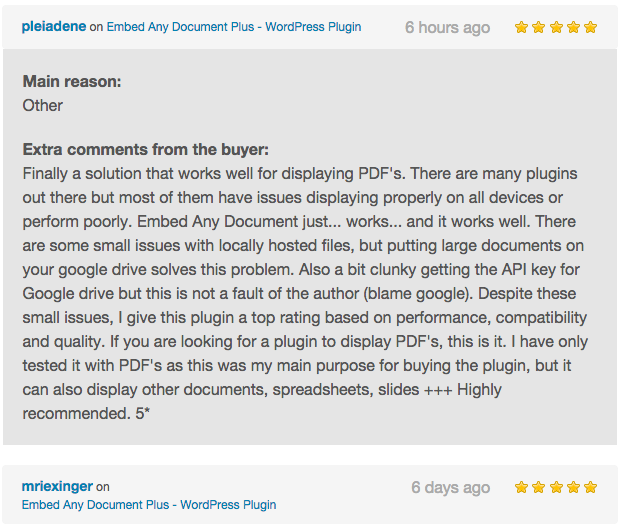

Lihat juga, Dropr – Plugin WordPress untuk Dropbox

Changelog
V 2.8.2 [14/03/2022]
 - Fixed: License validation error. Removed license screen.

V 2.8.1 [03/10/2022]
 - Fixed: Google Drive Issues.

V 2.8.0 [02/09/2021]
  - Added: OneDrive Personal Viewer.
  - Style Improvements and Minor Bug Fixes

V 2.7.0 [11/08/2021]
  - Added: Improved Block Design.
  - Improved: Automatic plugin update handling.
  - Bug fixes and improvements.

V 2.6.0 [16/07/2020]
  - Added: Folder view for Google Drive Picker and Setting to manage the view

V 2.5.0 [22/06/2020]
 - Added: Dropbox Native viewer.
 - Fixed: Conflict with Lazy loading feature added by some themes and plugins.

V 2.4.0 [01/06/2020]
  - Added: Browser-Based viewer.
  - Added: 'Shared Drive' view support for Google Drive.
  - Fixed: Preloader for Google viewer not hiding in some installations when a document is loaded.
  - Improved: AMP support.
  - Minor bug fixes and improvements.

V 2.3.0 [09/05/2020]
  - Added: Pre-load screen for Google Docs viewer with reload and open in new tab options for better user experience.
  - Other minor bug fixes and style improvements.

V 2.2.3 [30/03/2020]
  - Fixed: 'Document' Gutenberg block compatibility issues in WordPress 5.4.
  - Fixed: Cache 'off' setting not working when 'Google' viewer is selected.
  - Improved: Automatic plugin update handling.
  - Code improvements and Minor bug fixes.

V 2.2.2 [23 Jan 2019]
  - Fixed: Conflict with other modals generated by ThickBox
  - Fixed: Box.com API URL changes [CRITICAL ISSUE]

V 2.2.1 [11 Dec 2018]
  - Fixed: Plugin conflict that causes blank screen in visual mode of the classic editor plugin

V 2.2.0 [06 Dec 2018]
  - Added: Gutenberg Support. New Document Block is added.
  - Fixed: Disabled Microsoft viewer support for unsupported extensions
  - Fixed: Localization issues

V 2.1.1 [24 Jan 2018]
   - Fixed: A few accessibility issues

Ver 2.1 [13 May 2017]
   - Added: Automatic update
   - Added: iframe title for embeds
   - Fixed: Random issues
   - Other improvements

Ver 2.0.2 [01 Oct 2016]
   - Fixed: Fatal error when enabling document cache
   - Minor fixes

Ver 2.0.1 [26 Sep 2016]
   - Improved: General coding
   - Fixed: Z-Index conflict issue with certain themes

Ver 2.0 [26 June 2016]
   - Improved: General code throughout the plugin
   - Improved: UI of the plugin
   - Improved: File type handling
   - Improved: Translation
   - Fixed: Media library search issue
   - Fixed: File type recognition issue
   - Fixed: Conflict of free version with the PLUS version while installing
   - Added: Upload option for Google Drive
   - Added: More tabs for Google Drive for selecting files based on file type
   - Added: Visual Composer and Divi Themes support
   - Added: Responsive height support for embeds
   - Added: Option to choose theme for Box.com embed
   - Added: Option to change the text of download link
   - Added: Option to disable file size in download link

Ver 1.1
   - Added 'Do not cache this file' option for Google Docs Viewer.
   - Error handling fix.

[ad_2]
Source