
Description
[ad_1]

Galeri Responsif Kisi Otomatis WordPress
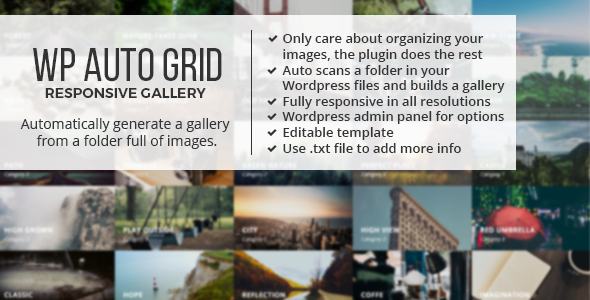
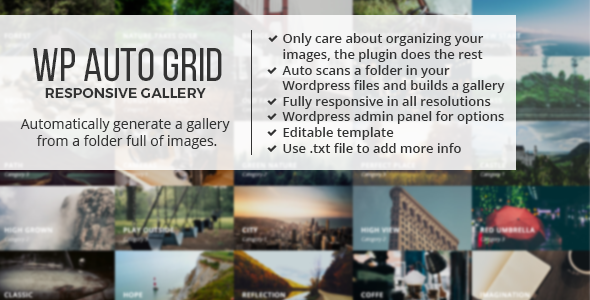
Ini adalah plugin WordPress yang memindai folder di instalasi WordPress Anda dan subfoldernya yang berisi gambar. Subfolder akan menjadi kategori yang akan muncul di bagian atas, dan plugin akan membuat galeri responsif grid dengan gambar.
Anda hanya perlu Seret dan Jatuhkan gambar ke dalam folder. Dan tambahkan galeri di posting atau halaman Anda dengan kode pendek
Anda hanya perlu mengatur gambar Anda di folder dan jika Anda ingin menambahkan thumbnail.
Gambar diunggah melalui FTP, sehingga Anda dapat memanfaatkan kebaikan unggahan FTP menggunakan droplet. Misalnya: “transmit” (untuk MAC) atau “FTP Droplet Lite” (untuk Windows)
Maka Anda hanya perlu menarik dan melepas gambar ke folder di komputer desktop Anda dan hanya itu, tetesan akan secara otomatis terhubung ke folder Anda di WordPress Anda.
Panel Admin Ramah Pengguna

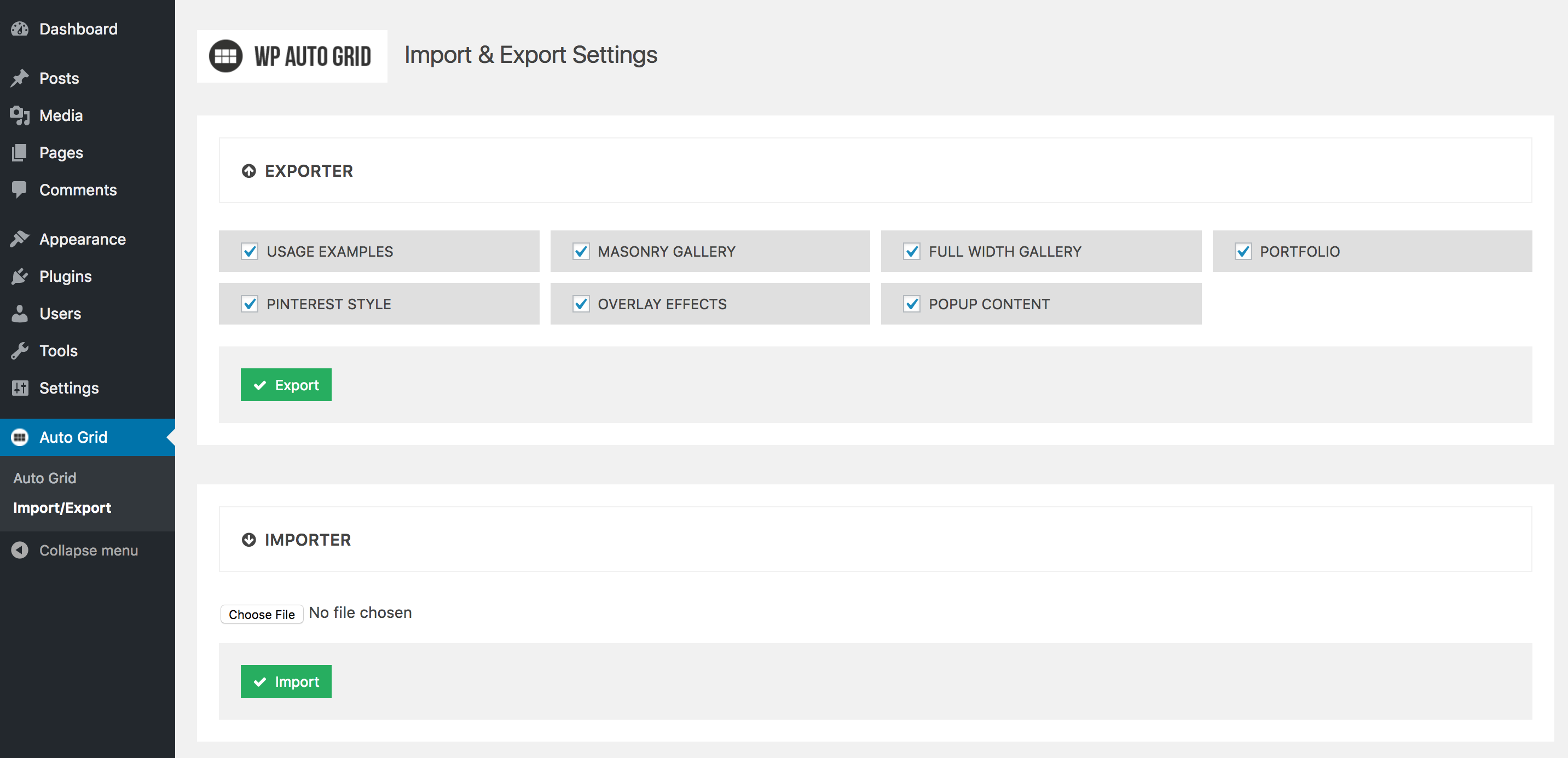
Pengaturan Impor & Ekspor Galeri
Fitur:
- Panel admin WordPress yang ramah
- Impor & Ekspor pengaturan Anda
- Tidak perlu kode
- Memindai folder di server Anda dan subfoldernya yang berisi gambar
- Dukung thumbnail untuk grid hanya untuk gambar yang ingin Anda tingkatkan performanya
- Dukungan file .txt untuk menambahkan video youtube/vimeo, iframe, teks tambahan, rasio, dan informasi lainnya
- Terima Gambar dari dimensi apa pun
- Grid dan Lightbox yang Sepenuhnya Responsif
- Tautan dalam
- Lebar penuh, kisi akan beradaptasi dengan 100% wadahnya jika Anda menyetel lebar setiap kolom ke ‘otomatis’
- Anda dapat menentukan lebar statis untuk setiap kolom atau menentukan jumlah kolom
- Konfigurasi tata letak yang berbeda untuk semua jenis resolusi
- Efek CSS3
- Sistem pencarian
- Efek hover sadar arah
- Lightbox dengan tayangan slide (putar, jeda, putar otomatis)
- Implementasi yang mudah sehingga Anda dapat menambahkannya ke halaman Anda dengan sangat cepat dan mudah, dan juga membuat lebih banyak instance dengan sangat cepat (hanya dengan menambahkan baris kode HTML)
- Pesan gambar Berdasarkan Nama, Berdasarkan Tanggal atau Secara Acak
- Kompatibel dengan Bootstrap Twitter
- Bootstrap tidak diperlukan
- Muat gambar dalam set
- Nonaktifkan dan Aktifkan Fitur melalui Opsi Javascript
- Anda dapat menautkan ke halaman lain saat mengklik thumbnail
- Dukungan Teknis Gratis
Anda dapat melihat dokumentasi DI SINI
----> Update: February 04, 2020
Updated the media boxes plugin

----> Update: Nov 11, 2019
Fixed issue about the lazy load option not working when deactivated

----> Update: March 29, 2019
Updated all the components

----> Update: March 16, 2018
Now you can pass a directory parameter to the shortcode, so you can change the gallery directory for different pages using the exact same settings, for example:
[auto_grid id="masonry_gallery" directory="galleries/gallery1"]
[auto_grid id="masonry_gallery" directory="galleries/gallery2"]

----> Update: Aug 31, 2017
Version 3 is here! the plugin is totally new, it has been redesigned completely, now its based on the Media Boxes plugin
   So now it has tons of options and features, check the docs in order to see the new way of implementing the auto grid

----> Update: Sep 8, 2014
Fixed some bugs with new version of Chrome and Opera

----> Update: Jan 22, 2014
Changed the loading plugin and also now you can order the categories the same way you do the images with a-, b-, c-, etc.

----> Update: October 17, 2013
Fixed some issues with the lightbox in Firefox when resizing the window

----> Update: October 16, 2013
Made changes on the design
Added the Lazy Load feature
Added new loading and filtering effects

----> Update: July 18, 2013
IE was showing fat images in the lightbox and now is fix

----> Update: July 15, 2013
New Option "Images Order In All" so when you are in the all tab
the images will be load in order as well

----> Update: July 4, 2013 (replace autoGrid.min.js)
Fixed a small console errors

----> Update: June 28, 2013 (replace gridGallery.css)
Fixed a small bug when you click the load more images button, Also fixed a centering issue of the lightbox in firefox

----> Update: June 25, 2013 (replace reader.php file)
Fixed some issues when there is no categories, also some JSON security was implemented

----> Update: June 21, 2013
NEW HUGE UPDATE
The plugin was made totally from scratch again, reusing just few lines of code so now it has a better structure and fixed bugs and undesired behaviors.
I improved the design and added many features and effects.
It is a totally new plugin so the changes are not compatible with the old version, but you can always stick with the old version which I do not recommend.

----> Update: April 22, 2013
Now it support multiple Galleries in your WP, just to the shortcode pass a parameter
specifying the url of another gallery, for example: [gridGallery directory="gallery2"]

Now you can link to your posts, if you want an image of the grid to link to a post
instead of opening the lightbox just in the name of the image specify the url after
"$$" for example like this: image2$$sample-page.png

----> Update: Feb 20, 2013
Fixed some problem with the background color option in the admin page.
Gambar di pratinjau langsung dibuat oleh teman saya bernama “Gema Ramirez” dan Anda dapat menghubunginya di sini:
[ad_2]
Source