
Description
[ad_1]
 |
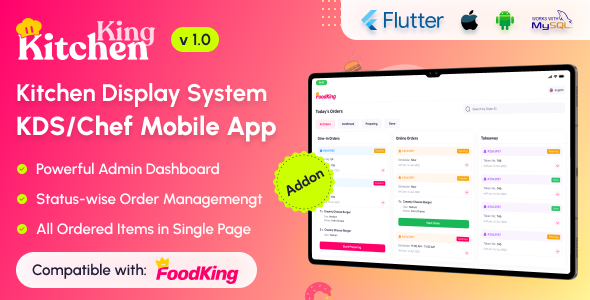
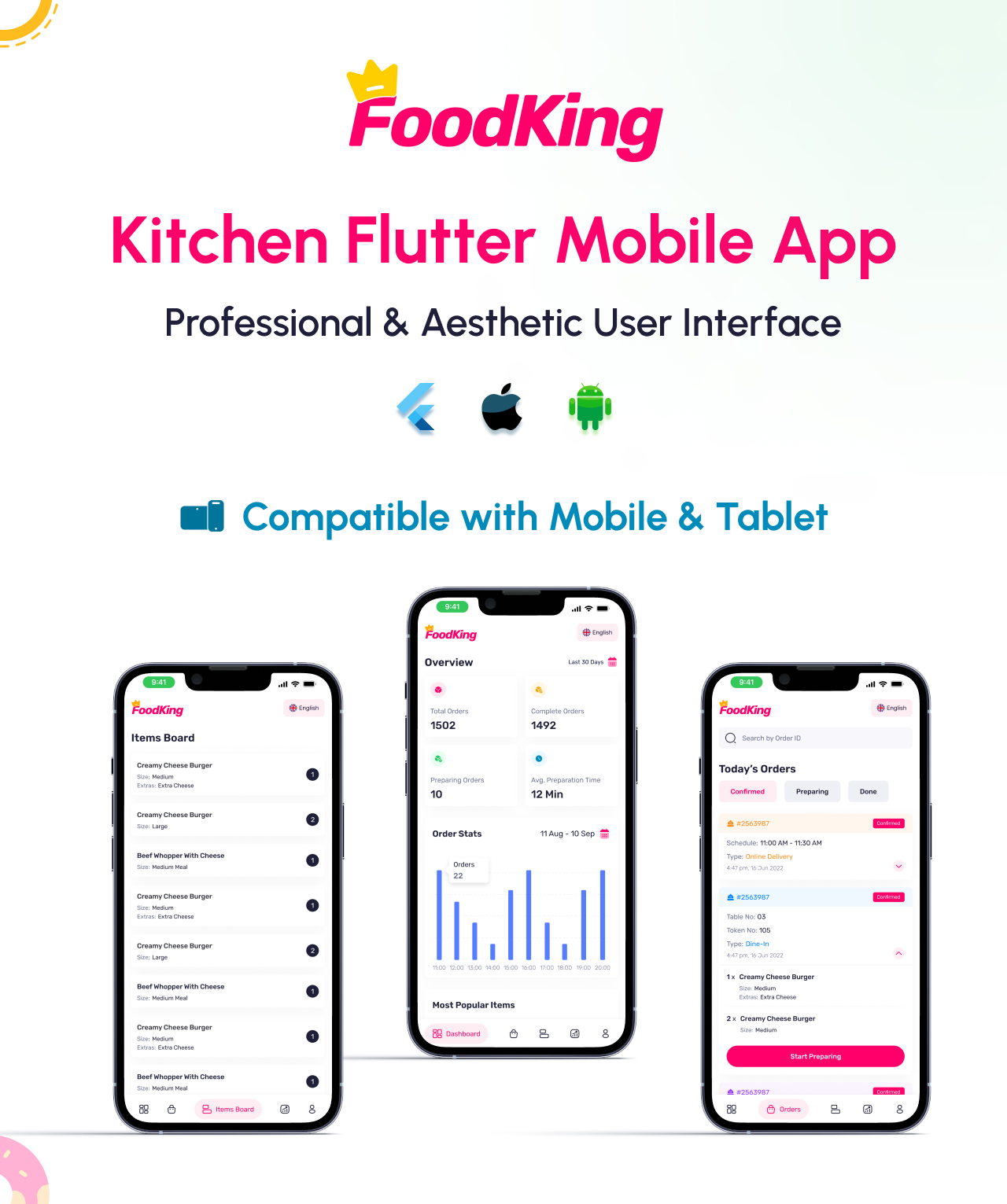
    ### ** KitchenKing Kitchen Display System (KDS) App**

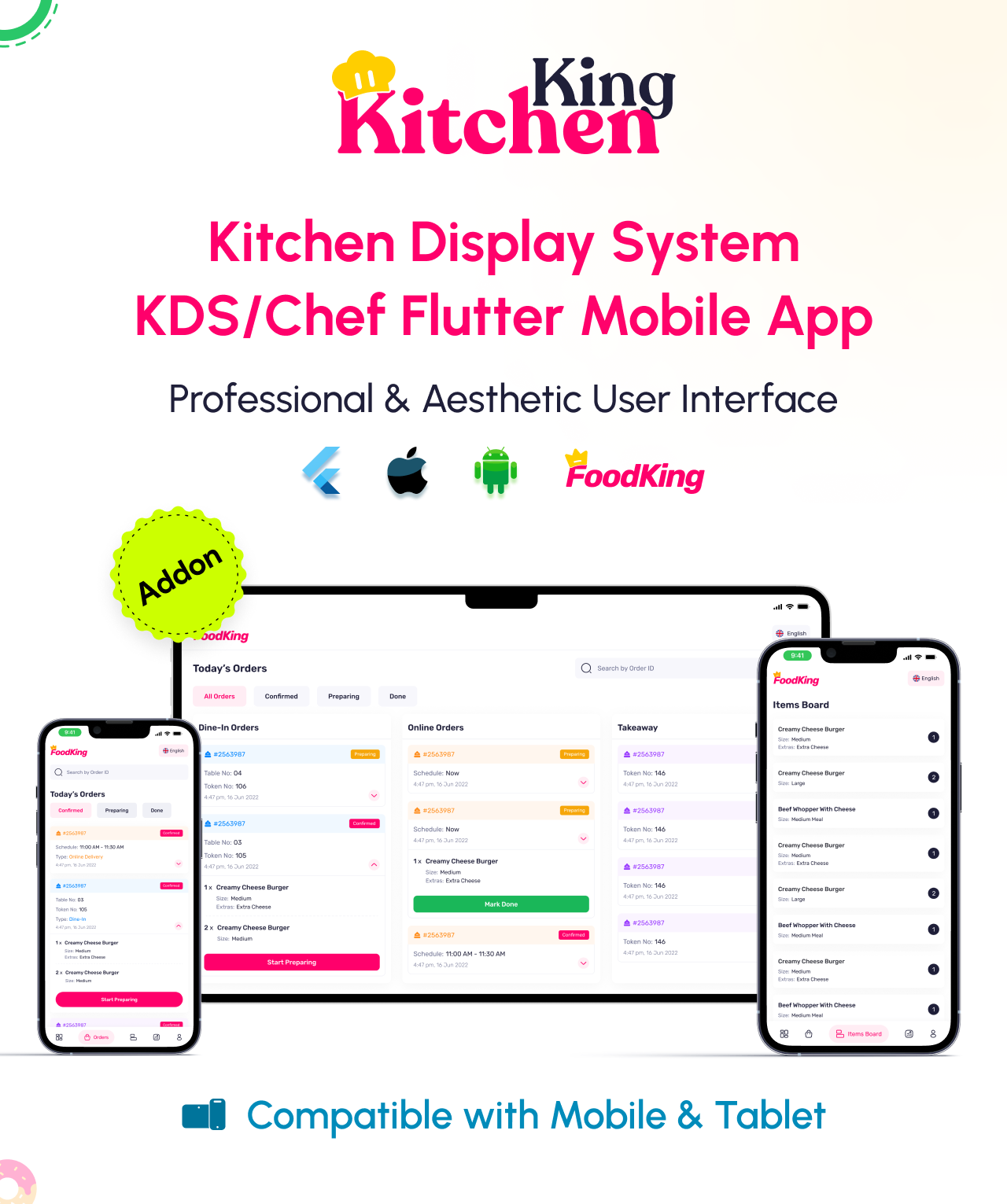
    The ** KitchenKing Kitchen Display System (KDS) App** is an essential part of our **FoodKing restaurant ordering ecosystem**, designed to streamline kitchen operations and improve order management. This digital display system replaces traditional paper tickets, ensuring real-time order updates and efficient communication between the front-of-house and kitchen staff.

    #### **Key Features:**
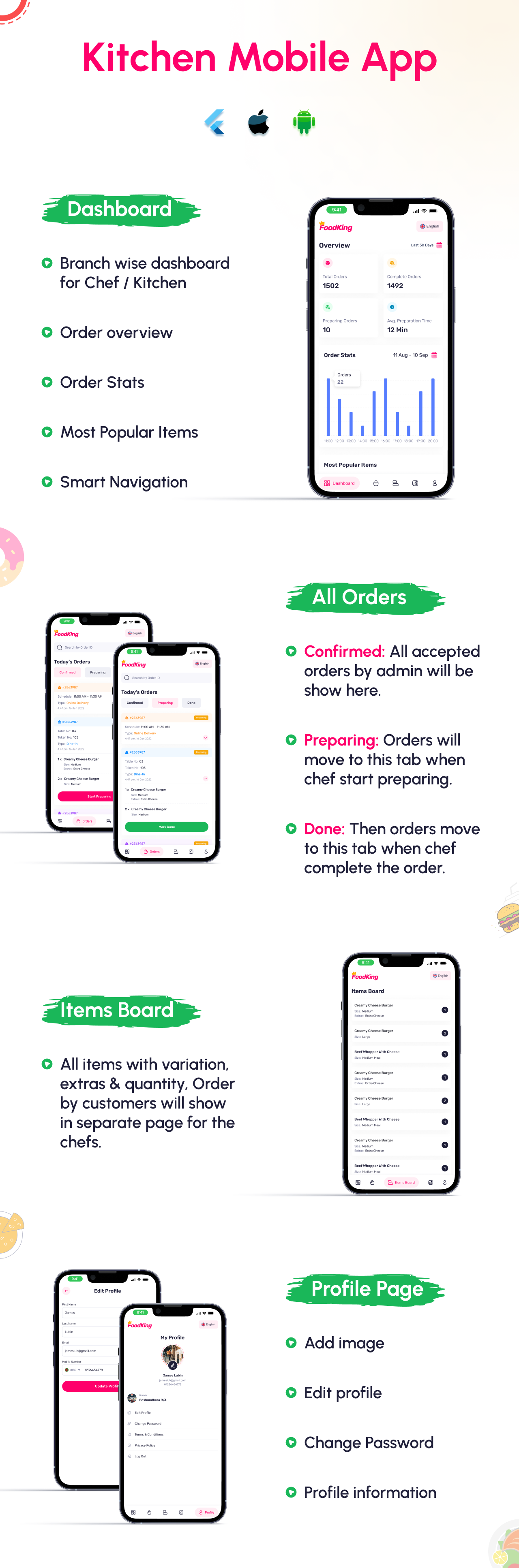
    ✅ **Real-Time Order Management** – Orders from the POS, waiter app, or online system appear instantly on the KDS.
    ✅ **Kanban Order Display** – Orders are categorized and displayed in a Kanban-style layout for better workflow organization.
    ✅ **Quantity Sidebar** – Helps kitchen staff track the number of items required for each order.
    ✅ **Order Status Updates** – Mark orders as "Preparing," "Ready," or "Completed" with a single tap.
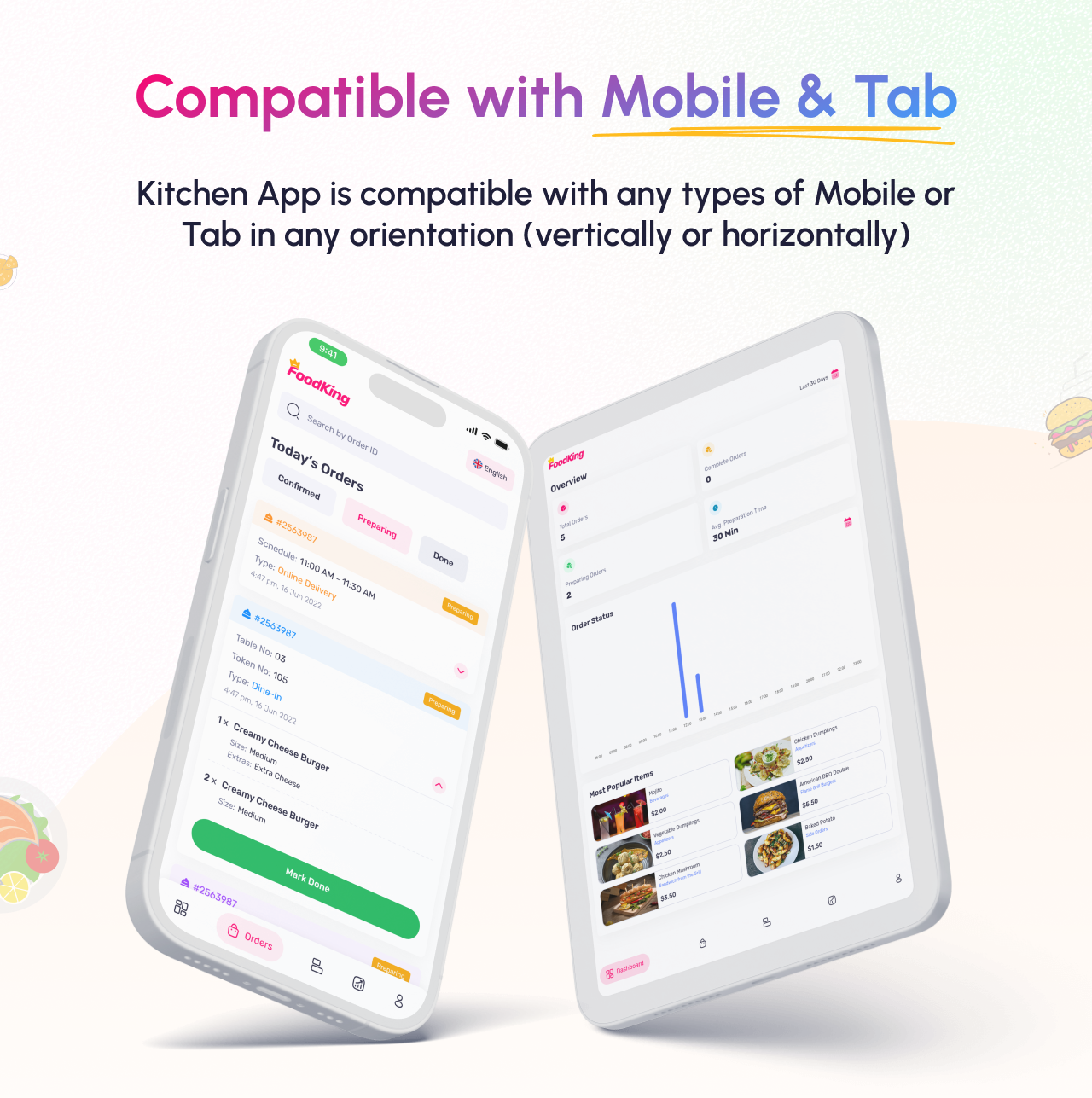
    ✅ **Touch-Friendly Interface** – Optimized for tablets and large touchscreen displays.
    ✅ **Seamless Integration** – Connects with FoodKing POS, QR Ordering, and Waiter App for a unified experience.
    ✅ **Multi-Station Support** – Different sections (grill, fry, desserts, etc.) can have separate screens for a smooth workflow.

    The ** KitchenKing KDS App** enhances efficiency, reduces errors, and improves overall kitchen productivity, making it an indispensable tool for modern restaurants.
|
|
|
|

|
 |
 |
 |
Demo Credentials
App Demo
Web & App Login Credentials
Chef/Kitchen Credentials
email: chef@example.com
password: 123456
Change Log
- Initial Release (12 March 2025)
[ad_2]
Source